
CCE Player support and downloads
CCE Player Support & Downloads
CCE Player 4.0.1 for Windows is available now as a free download. Paid CCE exam packs are sold separately and may require activation.
The installer is digitally signed by Cochran Cyber Education LLC.
Download CCE Player
Download CCE Player 4.0.1 for Windows
CCE Player 4.0.1 is the current signed Windows release. The Player is free to download and install. Paid CCE exam packs are sold separately and may require activation. Mac support is planned for a future release.
CCE Player for Windows
Download CCE Player 4.0.1 for Windows, then purchase and import a CCE exam pack to begin practicing.
Version: 4.0.1
Publisher: Cochran Cyber Education LLC
SHA-256: 5CE114F4E00B7FB898A941956A7661A0ABA6A32AC2C3189F97AF71B4919506E1
The installer is digitally signed by Cochran Cyber Education LLC. Because this is new software from a newly established validated publisher, browsers or Windows may initially show a reputation or "not commonly downloaded" warning. Verify that the publisher is Cochran Cyber Education LLC before running the installer.
Getting Started
Start with the player, pack, and activation files.
Install the Player
Download and install the free CCE Player 4.0.1 on your Windows computer.
Import your .cce pack
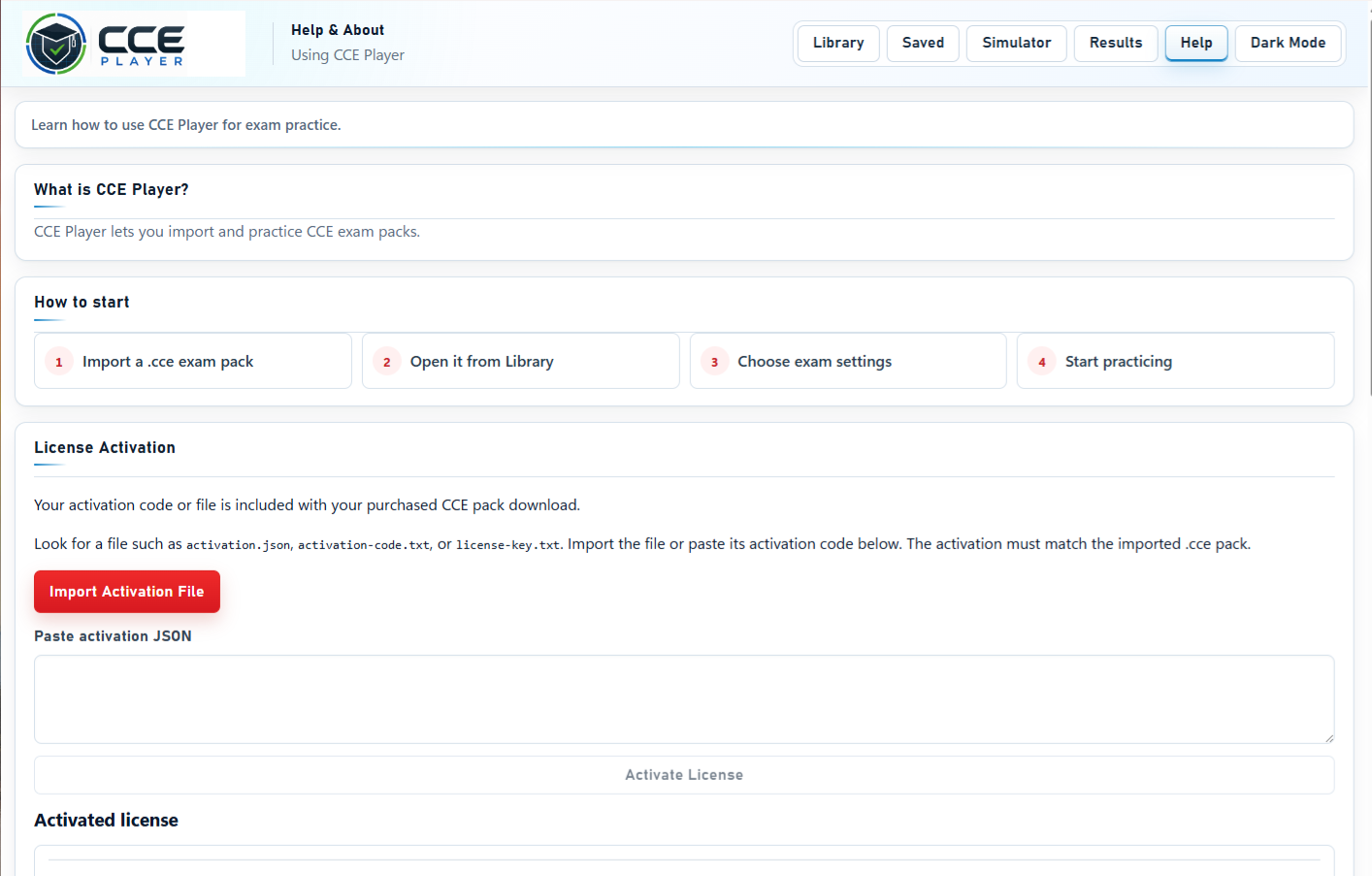
Open CCE Player and import the paid .cce exam pack included with your purchase.
Activate your pack
Use the activation/order file included with your package to unlock the paid exam pack if activation is required.
Import .cce Packs
Load your exam pack into CCE Player.
How to import a .cce pack
- Open CCE Player.
- Go to the Exam Library.
- Choose Import Pack.
- Select your .cce file.
- Confirm the pack appears in your library.
- Start practice in study mode or exam mode.

Activation Help
How activation works.
Some CCE packs require activation. Your purchase package may include an activation/order file and README-FIRST setup guide. Keep these files together with your .cce pack.
Activation/order file
Use the activation/order file included with your purchase package when the setup guide requests it.
README-FIRST guide
Open the README-FIRST setup guide before importing or activating your pack.
Locked pack troubleshooting
Confirm the .cce pack, activation/order file, and setup guide are from the same purchase package.
Lost activation file
Contact support with your purchase email, exam pack name, and available order information.
Lost Activation File
Help with missing order materials.
Lost activation/order file help
If you lose your activation/order file, contact support with your purchase email, exam pack name, and order information if available.
Common Support Questions
Quick answers before you contact support.
Is CCE Player free?
Yes. CCE Player 4.0.1 for Windows is free to download and install. Paid CCE exam packs are sold separately and may require activation.
Do I need to buy an exam pack?
Yes. The free CCE Player runs the practice environment, but full certification practice content is delivered through paid .cce exam packs and study bundles.
Can I use the PDF without the Player?
Companion PDF materials can be reviewed separately, but the .cce exam pack requires CCE Player.
Does CCE Player work on Mac?
CCE Player 4.0.1 is currently available for Windows. Mac support is planned for a future release. Do not download or install unofficial versions.
Do I need internet access?
Internet access may be needed for download, activation, updates, or support. Practice availability depends on the pack and activation status.
What if my pack will not open?
Review README-FIRST, confirm you are using the correct .cce file, and contact support if the issue continues.
Contact Support
Send the details needed to troubleshoot quickly.
Support email
Use the support button below to contact CCE support. Or send email to: support@cceplayer.com. Include your package name, exam version, order details, Windows version if relevant, and screenshots or error text.
Helpful details to include
- Purchase email
- Exam pack name
- Order/activation file if available
- Screenshot of the issue
- Brief description of the problem
Need help getting started?
Review the full FAQ or contact support with your package details.